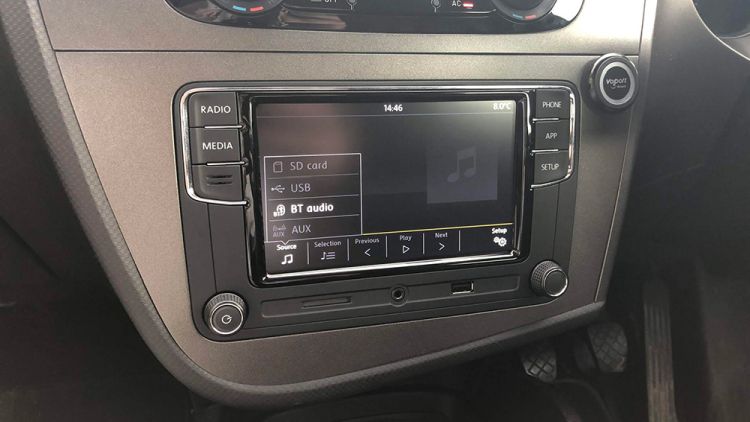
Fitting VW RCD330Plus to Seat Leon MK2

This guide walks through the process of fitting a VW RCD330 Plus to the Seat Leon MK2. The reason I picked this radio is that it’s a direct (Almost – keep reading) fit to the MK2 Leon. It uses the existing wiring, illumination matches the original in the car and the steering wheel controls will work too. Note that this applies to my 2012 Facelift Leon 1P, I believe the pre-facelift models (2005 – 2009) may be a little different....
February 10, 2019 · 3 min

Enable Enhanced Bluetooth on BMW F20 & F21

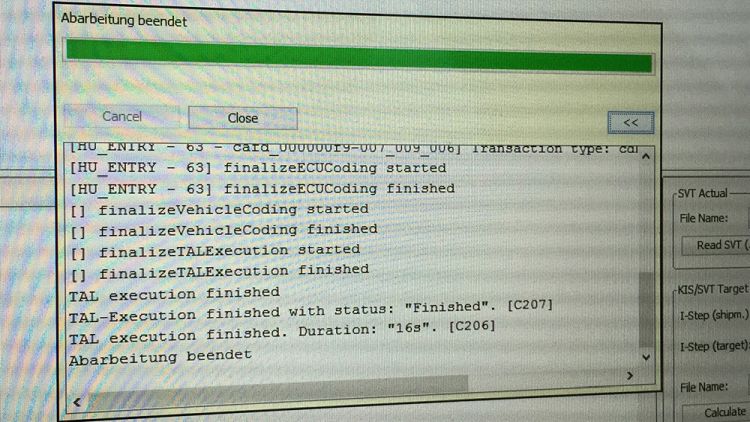
Introduction First point to note, this post is aimed at F20/F21 owners as that is what I have completed the procedure in – this is also possible on the F22 (2-Series) and F30 (3-Series). My understanding is this, when ordering the EBT package with your car (Approx £400) it’s fitted with a Combox which provides the functionality along with enabling the feature in the iDrive. Good news if you have BMW Professional Navigation or a 2014 (See note) model – your car will have a Combox and armed with the tools below (Less than £10) you can enable EBT....

January 23, 2015 · 4 min

Quickly Convert Accented Characters in Excel

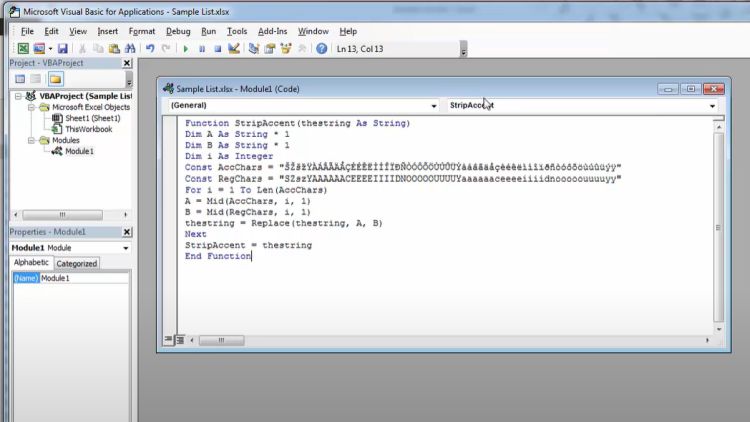
A number of years ago I uploaded a short video on YouTube that shares a VBA script that can quickly convert accented characters within Excel cells into “normal” characters. I used this for a data migration project, maybe you’ll benefit from it also? Within your Excel document hold Alt and press F11. Select Insert > Module. Copy and paste in the code below. Function StripAccent(thestring As String) Dim A As String * 1 Dim B As String * 1 Dim i As Integer Const AccChars= "ŠŽšžŸÀÁÂÃÄÅÇÈÉÊËÌÍÎÏÐÑÒÓÔÕÖÙÚÛÜÝàáâãäåçèéêëìíîïðñòóôõöùúûüýÿ" Const RegChars= "SZszYAAAAAACEEEEIIIIDNOOOOOUUUUYaaaaaaceeeeiiiidnooooouuuuyy" For i = 1 To Len(AccChars) A = Mid(AccChars, i, 1) B = Mid(RegChars, i, 1) thestring = Replace(thestring, A, B) Next StripAccent = thestring End Function Close the VBA window....

July 29, 2014 · 1 min